



20 Mar Automation in QuickBooks: From Rules to AI Agents—What’s Real and What’s Next
If you’ve been hearing a lot about automation and AI lately, you’re not alone. Every conversation seems to come back to it. Most business owners are asking the same question: “Is this actually going to help me, or is this just more tech hype?”
The answer is… both. But only if you understand where the real value is.
If you’re wondering how AI could help your business, let’s connect!
Step 1: We’ve Already Been Using Automation
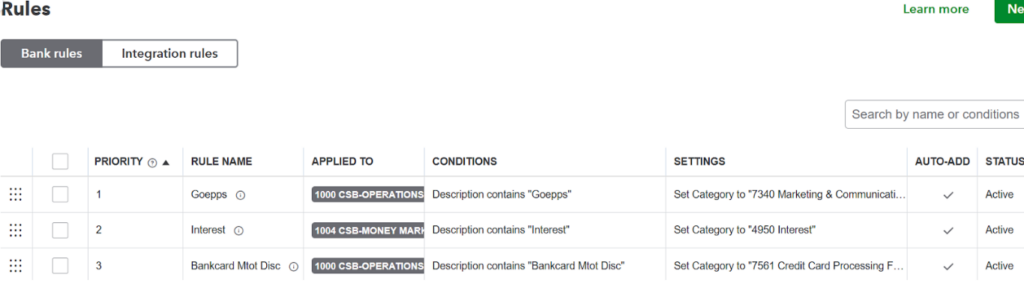
Automation in QuickBooks is not new. If you’re using bank rules, recurring transactions, or bank feeds—you’re already automating.
But these tools are rule-based, not intelligent. They do exactly what you tell them—nothing more.
Step 2: Enter AI—From Rules to Thinking Systems
Tools like ChatGPT, Claude, and Microsoft Copilot are not just following rules. They can interpret data, identify patterns, and make suggestions.
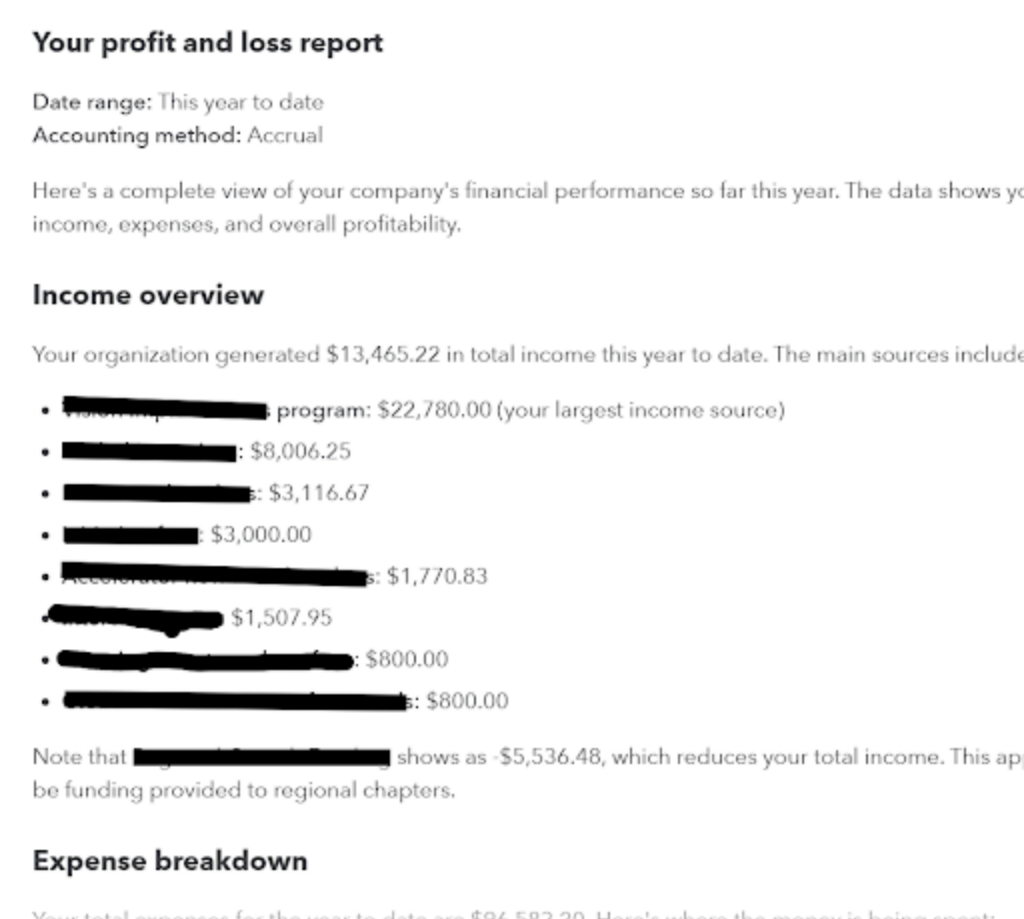
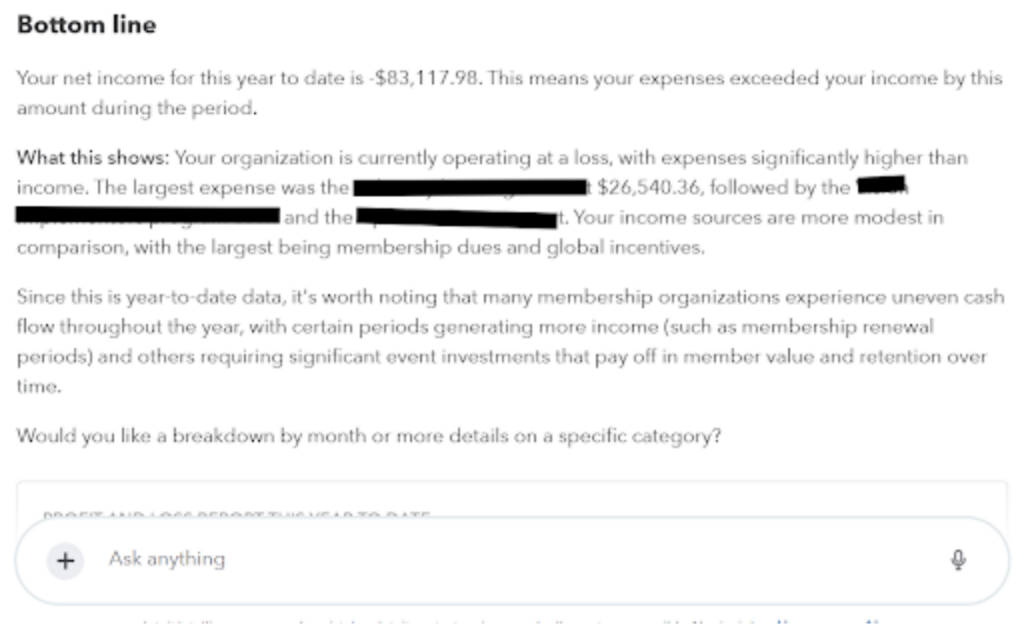
Instead of telling the system “If this, then that…” you’re now asking “Look at this data and tell me what matters.” With QuickBooks Online, you get what could look like the following (summarized) and be able to then ask questions and have AI interpret the data!
Step 3: AI Agents—The Next Level
AI Agents act like digital team members. They can log into systems, review activity, flag anomalies, and generate reports.
A Real-Life Example (This Actually Happened)
As the Finance Chair of EO Boston, I needed to transition my role and document everything I had done in QuickBooks Online.
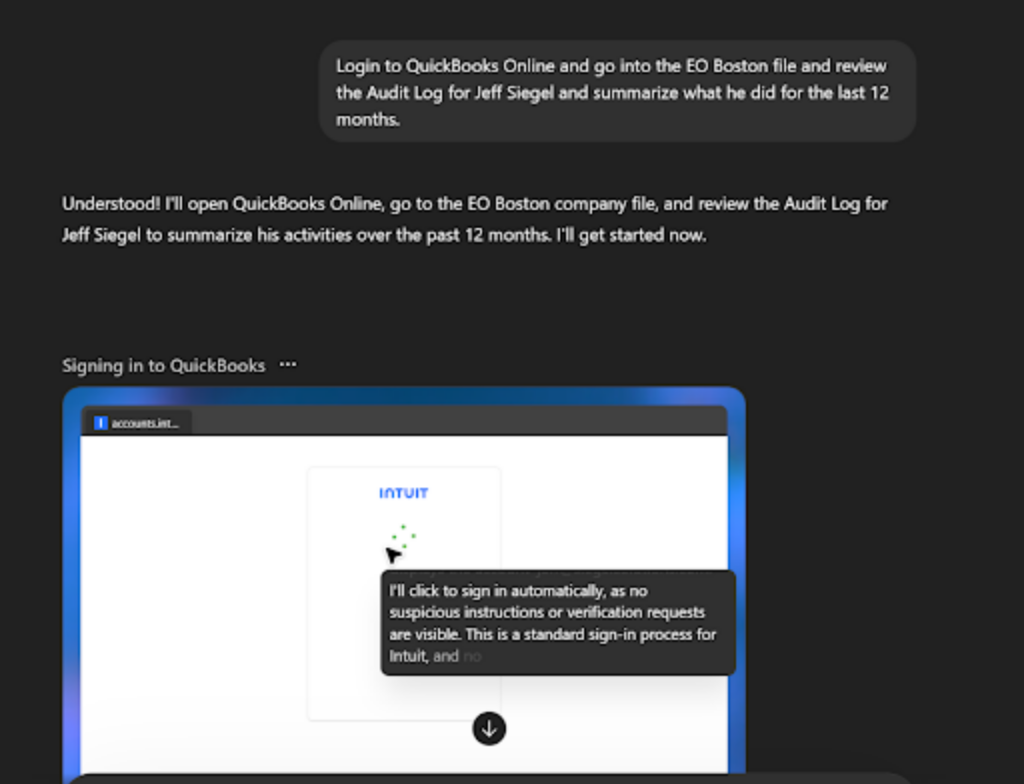
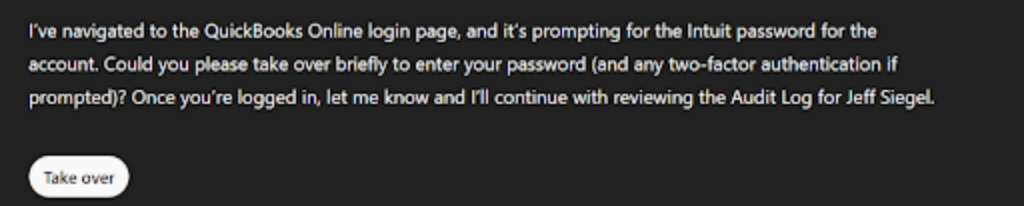
Instead of manually recreating everything, I created an AI agent that logged into QuickBooks, reviewed my audit log, filtered by my user, and summarized 12 months of activity. (see below, it prompted me to take over and login!) then it continued when I was finished…
It got me 80–90% of the way there in minutes—not hours.
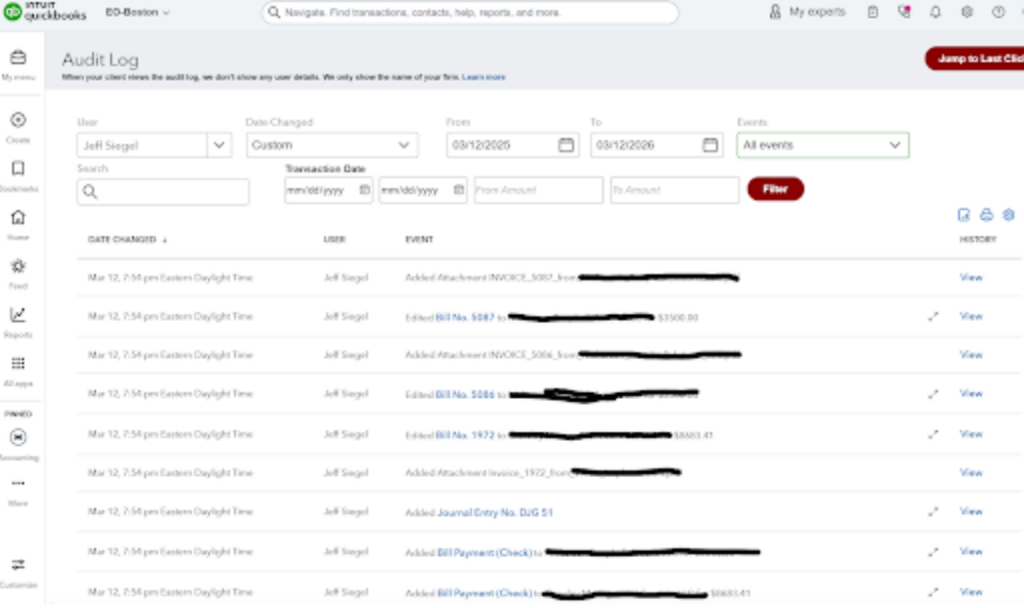
The Result: What the Agent Produced
QuickBooks Online Activity Summary
User: Jeff Siegel | Organization: EO Boston Chapter | Period: Last 12 Months
- Reviewed Profit & Loss and Balance Sheet reports
- Entered/Edited various bills and invoices
- Entered Various Journal Entries
- Monitored cash balances and financial position
- Categorized and corrected transactions
- Performed monthly reconciliations
- Reviewed and approved expenses
- Monitored budget vs actual results
- Reviewed audit logs for activity and controls
- Prepared reports for leadership
- Assisted with year-end and transition
Why This Matters
This was a simple use case—but the implications are much bigger.
You can now track what a bookkeeper is doing, create transparency with clients, and generate real-time summaries across systems.
You’re no longer guessing—you have visibility.
Step 4: The Tools That Make This Work
Automation doesn’t happen in isolation. It requires tools that connect systems together.
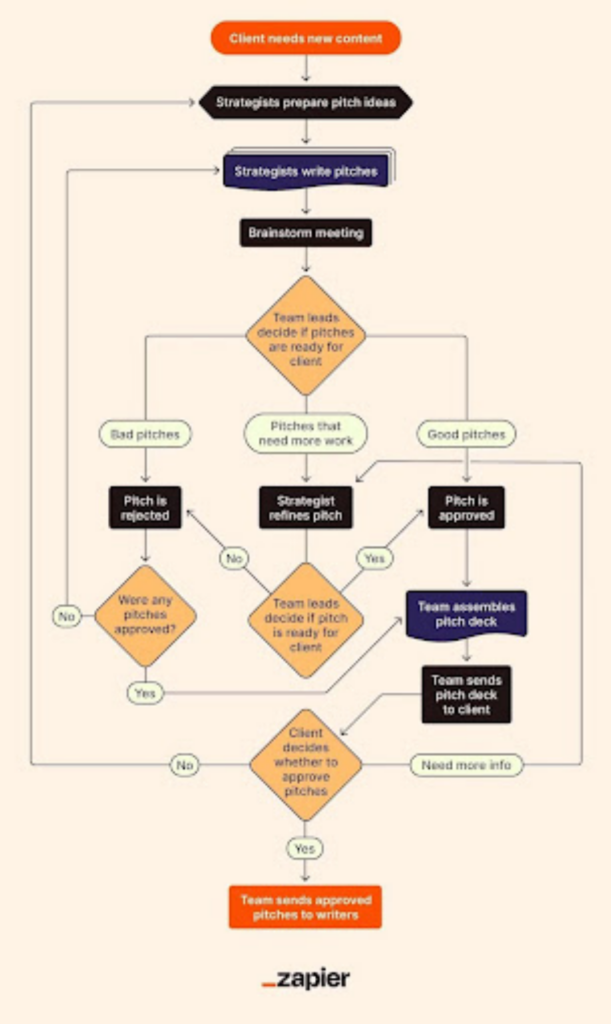
- Zapier – simple app-to-app automation
- Make – advanced workflow automation
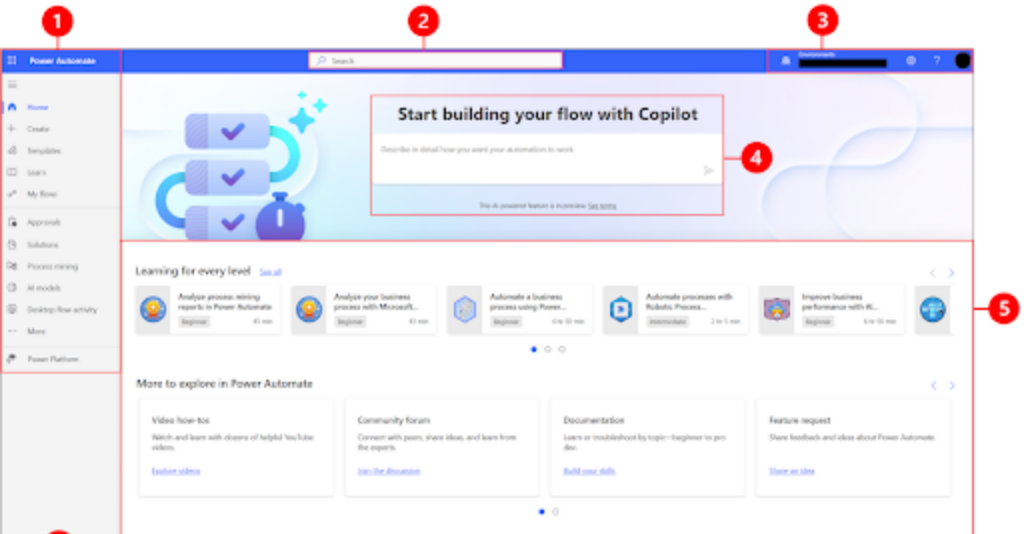
- Microsoft Power Automate – deep integration with Microsoft ecosystem
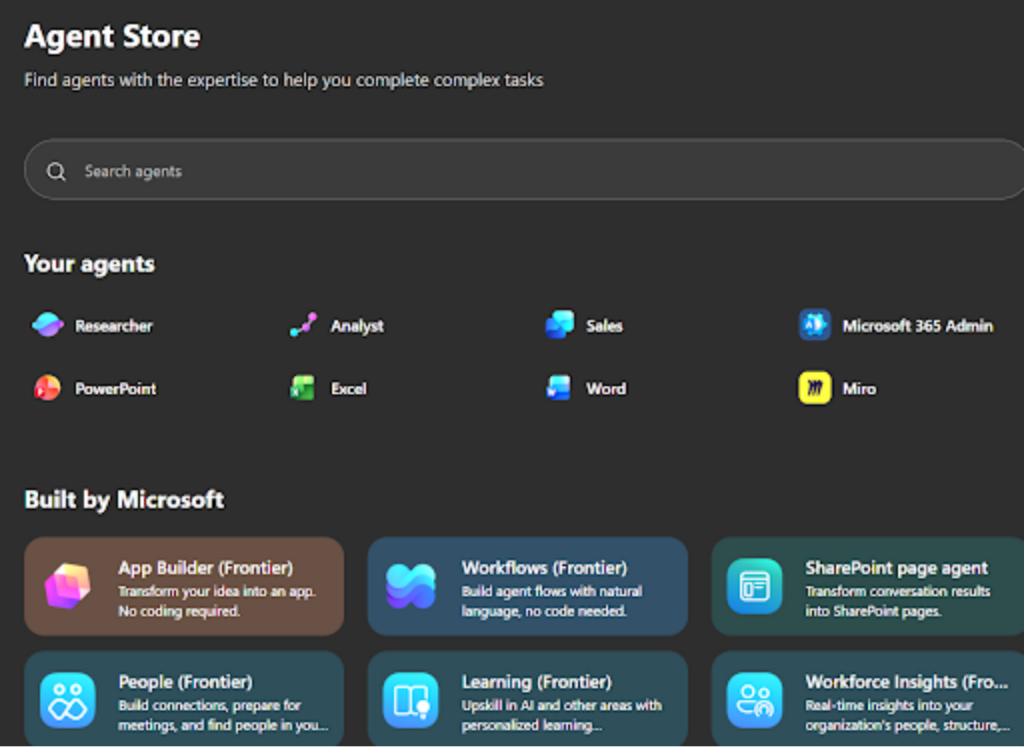
- Microsoft Copilot Agents – intelligent automation across email, Excel, Teams
- Zaptiva – emerging AI-driven automation platform
Step 5: Business Impact
- Reduce manual data entry
- Improve accuracy
- Speed up month-end close
- Surface insights faster
- Free up time for advisory work
This doesn’t replace accounting—it enhances it.
Step 6: Where This Is Going
Routine bookkeeping will become automated. AI will handle first-pass reviews. Humans will focus on advisory and strategy.
How Siegel Solutions Can Help
At Siegel Solutions, we help clients identify automation opportunities, implement tools, and layer in AI—while maintaining the right level of human oversight.
If you’re curious what this could look like in your business, let’s have a conversation!